
Video doorbell for apartments is no longer just a luxury—it is quickly becoming a must-have security solution for renters looking for peace of mind and convenience, without needing their landlord’s permission or risking their security deposit.
Key Takeaways
- Wireless, battery-powered video doorbells tailored for apartments offer renters easy DIY installation, smart home integration, and improved security—without permanent changes or landlord approval.
- Main renter frustrations include high cloud subscription costs, privacy concerns, and unclear local legal compliance.
- Most guides miss the need for automatic privacy filters, optimized batteries for busy doors, and subscription-free storage options—key features for apartment dwellers.
- What Is a Video Doorbell for Apartments and Why Should You Care?
- How to Install a Video Doorbell in Your Apartment (No Landlord Needed)
- Advanced Analysis: What Competitor Guides Don’t Tell You (And Pitfalls to Avoid)
- Conclusion
- FAQ
What Is a Video Doorbell for Apartments and Why Should You Care?
A wireless, battery-powered video doorbell (Ring, Arlo, Eufy, and Nest are top-rated for apartments) is a compact, wireless smart device that allows renters to see, hear, and speak with visitors remotely—without rewiring or altering walls. Unlike traditional doorbells, these modern upgrades use Wi-Fi and batteries, making them renter-friendly, easy to install, and just as easy to remove when your lease is up.
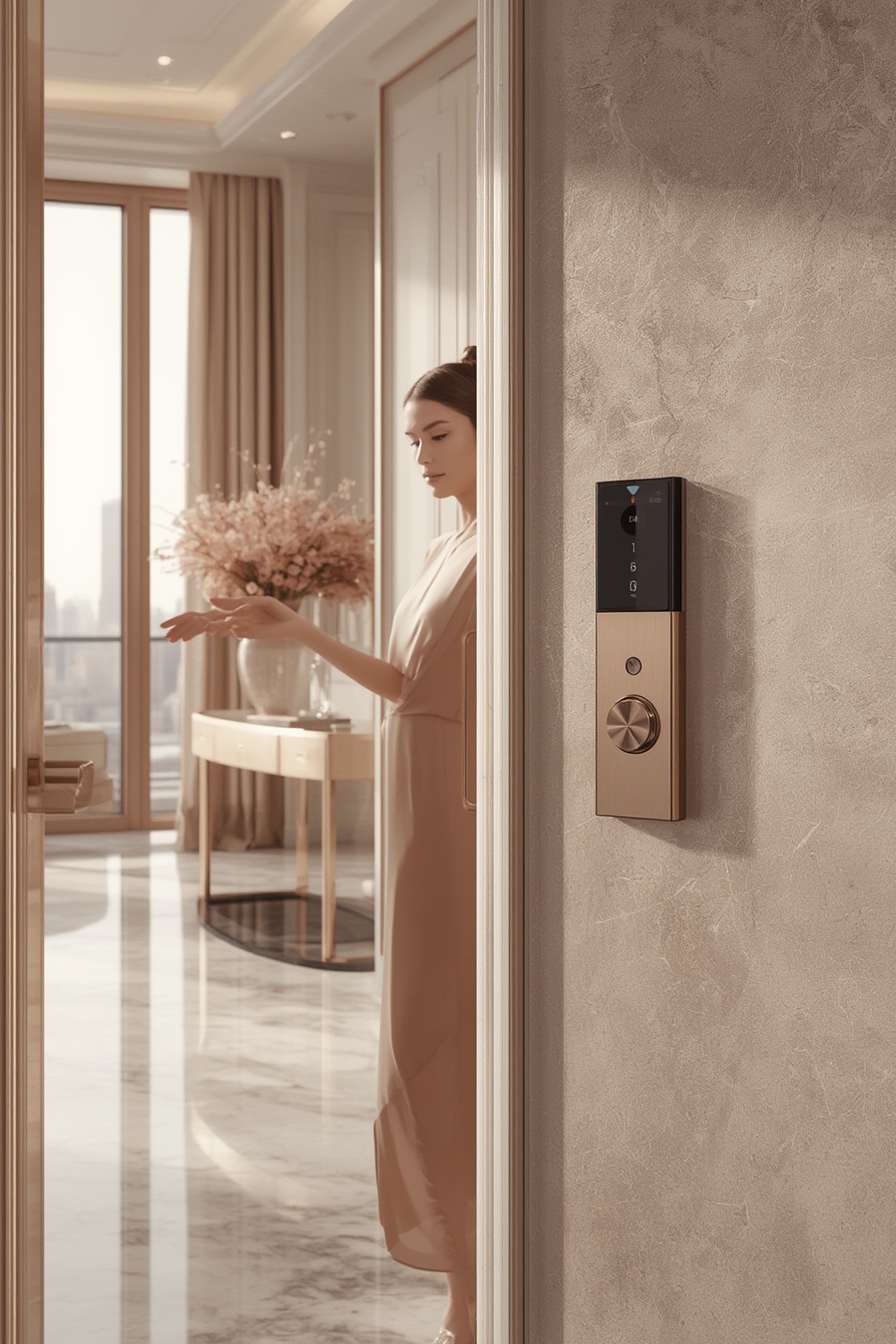
Driving the growth is a real shift in renter priorities. According to industry data, the global video doorbell market hit $1.5 billion in 2024, with North American renters fueling over 40% of sales thanks to hassle-free, wireless models that work with Alexa, Google Assistant, and Apple HomeKit. [source]
If you’re worried about your security deposit or HOA rules, you can relax—a new class of doorbells designed for apartment living delivers strong video security without drilling holes or messing with building wiring. Two-way audio, smartphone alerts, and even facial recognition are now standard, letting you manage everything from your phone.
For renters looking to build a smart home the landlord can’t veto, pairing your video doorbell with renter-friendly devices like portable smart locks and wireless smart lighting offers a complete apartment solution.
How to Install a Video Doorbell in Your Apartment (No Landlord Needed)
Ready to see who’s at your door—without risking your deposit or getting in trouble with building management? Here’s how to install a truly renter-friendly video doorbell in your apartment:
- Pick the Right Model for Renters
Choose a wireless, battery-powered video doorbell (Ring, Arlo, Eufy, and Nest are top-rated for apartments). Look for adhesive mounts or adjustable brackets—avoid anything requiring tools or wiring. - Check Wi-Fi Signal Strength
Stand at your entry to check Wi-Fi on your phone. A weak signal means you’ll need a Wi-Fi extender for smooth streaming. - Charge & Prep the Battery
Charge the doorbell fully before installation. Some models offer backup batteries so you never lose power, which is crucial if you get a lot of deliveries or visitors. - Mount—No Tools Required
Clean the door frame or wall. Use the included adhesive strip or bracket to attach the doorbell. Most take under 10 minutes. - Connect to Your Smartphone & Smart Home
Download the device’s app (Ring, Arlo, Eufy, or Google Home) and follow pairing instructions. Link to Alexa or Google Assistant for easy integration with other renter-friendly smart gadgets like smart locks for apartments. - Position for Privacy
Tilt or adjust the device to avoid shared hallways. Use privacy zones/filters if available—some models now let you block recording outside your door to comply with landlord or HOA policies and avoid privacy complaints. - Decide on Storage: Cloud or Local?
If you don’t want a monthly fee, pick a doorbell supporting SD card recording or on-device AI (like some Eufy models). Otherwise, subscribe for cloud storage, but check the actual costs—these add up fast! - Test Alerts and Audio
Do a live test: ring the bell, check your phone, and talk back. Tweak settings for motion detection and notifications to reduce false alerts.
Looking for a complete security upgrade? Pair your doorbell with wireless security cameras and a renter-friendly smart thermostat for total peace of mind—without risking your security deposit.
Advanced Analysis: What Competitor Guides Don’t Tell You (And Pitfalls to Avoid)
Even as video doorbells for apartments grow in popularity, renter experiences show some recurring headaches. Let’s break down common pitfalls and overlooked features—plus what smart renters can do about them.
- Ongoing Subscription Fees: Most wireless doorbells require paid cloud storage to review footage. These can range from $3 to $10 per month—and add up quickly. Some models now offer free local SD card storage, but double-check before you buy.
- Privacy & Legal Gray Zones: Many apartment complexes prohibit cameras facing shared hallways. Yet, popular guides rarely address local laws or offer privacy filters. This blind spot can land you in trouble with building management or even your neighbors.
- Battery Dying Too Soon: High-traffic entries drain batteries fast—especially if your unit faces a busy hallway. Look for video doorbells with AI-powered motion detection and consider solar or hybrid options if available.
- Wi-Fi Dropouts: Apartment walls can kill Wi-Fi range. Signal boosters may be necessary for consistent streaming.
- Unclear Landlord or HOA Approval: Unlike permanent wired cameras, battery-powered options still require policy checks. It’s rare, but some HOAs frown on any device mounted outside a door—even without drilling.
| Model/Brand | Battery Life | Installs Without Tools? | Cloud-Free Storage | AI Privacy Zones |
|---|---|---|---|---|
| Ring Battery | Up to 6 months | Yes (adhesive available) | No (cloud only) | Limited |
| Eufy Wireless | Up to 6 months | Yes | Yes (local storage/SD) | Yes |
| Arlo Essential | 3-6 months | Yes | No (cloud only) | Partial |
| Nest Battery | Up to 6 months | Yes | No (cloud only) | Partial |
A big problem most competing guides overlook? Very few doorbells are truly “subscription-free.” Beyond just finding the right model, it’s worth learning about edge-based storage options or privacy software that blocks hallway recording—these solutions save you fees and possible legal headaches.
If you want to dig deeper, check out the latest market research for comprehensive trends, or compare full apartment-friendly solutions in this proven guide to smart lighting for renters.

Conclusion
Video doorbell for apartments is now an affordable, easy-to-install, and high-tech safety upgrade that finally puts renters in control. You can enjoy remote access, two-way communication, and even smart home integration—without risking your deposit or breaking the rules. Just remember to check privacy settings, weigh cloud storage costs, and always scan building/HOA policies before you install.
Ready to make your apartment safer? Start by picking a wireless, renter-friendly doorbell—then build your security system with smart locks and lighting for full protection. Need more step-by-step advice? Explore the ultimate smart rental guide for inspiration.
FAQ
Will a video doorbell for apartments get me in trouble with my landlord or HOA?
Most wireless video doorbells use adhesive or brackets that do not damage doors or walls, so landlords rarely object. However, some HOAs have strict policies against recording in shared spaces. Always check your lease and building rules before mounting anything outside your door.
Do I need special tools to install a video doorbell in an apartment?
No. Most apartment-friendly models come with adhesive strips or non-damaging brackets. You won’t need tools or to drill holes—perfect for renters who want easy removal, too.
What technical features should I look for in a renter-approved video doorbell?
Look for battery-powered models, strong Wi-Fi, AI motion detection, privacy zones, and local storage options if you want to avoid subscriptions. Compatibility with Alexa, Google Assistant, or Apple HomeKit is also useful.
How do I avoid monthly cloud subscription fees?
Choose a model offering local SD card storage or onboard AI recording. These options store video clips without uploading to the cloud, so you pay nothing after purchase. Eufy’s newest line is a popular option for subscription-free security.
Can I integrate my video doorbell with other smart home devices in my apartment?
Yes. Most Wi-Fi video doorbells for apartments can sync with smart locks, lights, and thermostats. For more options, see our guide on smart home solutions for renters.