
Smart thermostat for renters is no longer a pipe dream—it’s now a real, practical upgrade for apartment dwellers who want comfort and savings without risking their deposit or annoying their landlord.
Key Takeaways
- Portable smart thermostats exist, but true “no-install” solutions remain rare, so renters must balance features, compatibility, and cost.
- High upfront prices, installation hurdles, and lack of interoperability are the biggest barriers renters face—not just the devices themselves.
- There are real ways to boost comfort and savings in rentals with smart thermostats, but knowing the limitations is crucial before you buy.
- What Is a Smart Thermostat for Renters—And Why Should You Care?
- How to Get a Smart Thermostat for Your Rental: Step-by-Step
- Advanced Analysis: Pitfalls, Costs, and Real-World Barriers
- Conclusion
- FAQ
What Is a Smart Thermostat for Renters—And Why Should You Care?
Smart thermostats are Wi-Fi enabled devices that let you control your apartment’s temperature remotely via phone, voice assistant, or automated scheduling. For renters, the right smart thermostat should be simple to install (or ideally portable), easy to remove without damaging the apartment, and compatible with most existing heating and cooling systems.
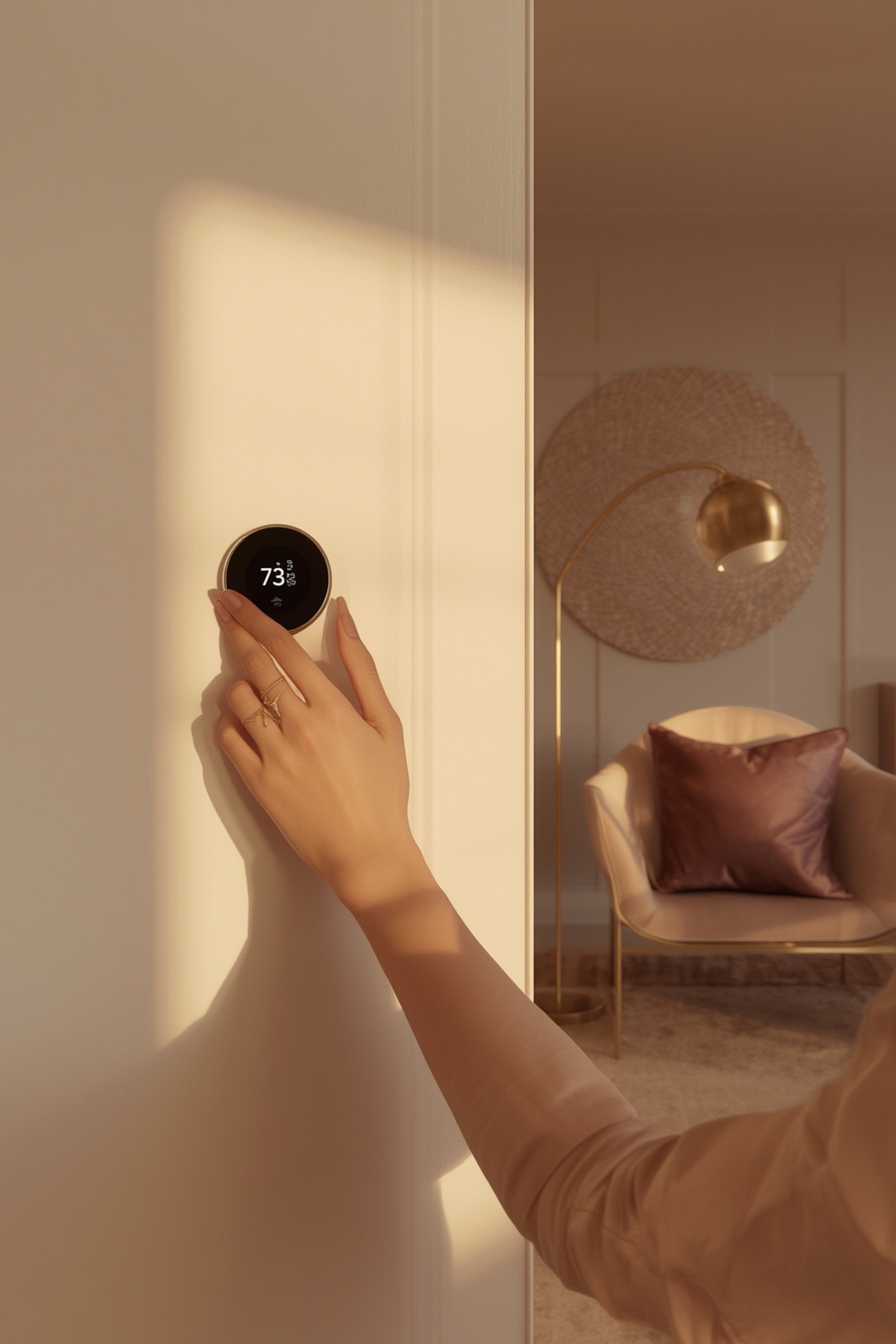
In 2024, almost everyone talks about “smart homes”—but if you rent, you face an extra layer of challenges. The latest market numbers show smart thermostat adoption climbing, with over 16% of internet-connected US homes onboard by 2022 and global smart thermostats for rentals now worth USD 2.31 billion. Yet, few solutions are designed for temporary living, with true no-hardware-installation models for renters remaining rare.
So why bother searching for a renter-friendly smart thermostat? Here’s why: Utility bills keep climbing (impacting 62% of US households), property managers are increasingly open to smart tech, and energy-conscious renters are driving demand—even if the industry is slow to catch up. Portable comfort, real-time app control, and possible utility rebates are all within reach, if you know where to look.
For broader smart home advice, see The Ultimate Guide to Smart Home for Renters in 2026, which covers more than just thermostats.
How to Get a Smart Thermostat for Your Rental: Step-by-Step
Want to add a smart thermostat to your rented apartment? Here’s how to do it without headaches or risking your security deposit.
- Assess Your System
First, identify what type of HVAC setup you have. Most apartments use either:- Central heating/cooling with wall thermostat (usually 24V systems)
- Individual window or portable AC units
- Radiator or baseboard heating without a thermostat
The more basic the system, the harder it is to add a smart thermostat without wiring.
- Look for “C-Wire” (Common Wire) Availability
Roughly 40% of older homes (or units built pre-2000) do not have a C-wire, which most smart thermostats need for power. No C-wire means professional installation ($150-$250 extra) or using battery-powered/adapter models. - Choose the Easiest-to-Remove Device
Models like Google Nest and Ecobee are well known, but neither officially offers a true no-installation, renter-specific version as of 2024. Look for models that promote “easy install,” “no wiring,” or compatibility with plug-in systems and offer adhesive or magnetic mounts.- Consider smart plug thermostats for space heaters (like Sensibo or Ambi for AC units)
- Prefer devices that do not require baseplate drilling
- Check if the warranty or return policy is tenant-friendly
- Calculate Real-World Costs Before Buying
Device prices range:- Premium models: $300+
- Installation (if needed): $150-$250
- Utility rebates (if eligible): $75-$100 off
- Possible subscription fees for cloud analytics or “energy reports”—usually optional, so watch for upsells at checkout.
Research confirms these ranges for 2024. Subscription-based and rental financing models are emerging for higher-end equipment but are not yet mainstream.
- Install with Care and Keep the Old Thermostat
When removing the existing thermostat, carefully document wiring (take a photo!) and save all hardware. If required, opt for mounting systems with minimal wall impact, or select smart thermostats designed for easy, no-trace removal. Always store the old unit so you can reinstall it before moving out. - Test Smart Features
Connect to Wi-Fi, sync with your preferred smart home system (Amazon Alexa, Google Home, or Apple HomeKit), and explore features such as:- remote scheduling and control via app
- Geofencing (auto-adjust temperature when you leave/return)
- Energy monitoring, occupancy or motion sensors
- Learning algorithms to optimize comfort and save money
Most top-tier models support these, but consistency varies—always test for bugs or connectivity issues before relying on automation.
- Document Your Setup
Screenshot your installed thermostat and keep a list of changes. If property management questions your modifications, you’ll have a simple, documented way to prove everything was restored.

For a broader rundown of non-permanent apartment upgrades beyond temperature control, see renter-friendly smart home tech strategies.
If you’re security-focused, consider upgrades like smart locks for renters or wireless security cameras to complement your smart thermostat and create a more comfortable rental life.
Advanced Analysis: Pitfalls, Costs, and Real-World Barriers
While smart thermostats for renters sound simple, there are landmines to avoid. Here’s what the research and real-world user reports reveal:
| Factor | Reality for Renters | Potential Problems | Workarounds & Tips |
|---|---|---|---|
| Installation | Most require wiring and a C-wire | Extra cost ($150-$250); landlord permission; 40% of apartments lack C-wire | Seek battery-powered or plug-based models; use adapters where safe/allowed |
| Portability | Few models are truly portable or “no install”; most need wall mounting | Risk of wall damage; hassle at move-out | Adhesive or magnetic mounts; smart plugs/IR controllers for portable AC or heaters |
| Compatibility | Wi-Fi and app control are common; old radiators/baseboards may be unsupported | Device may not work at all; risk of incompatible wiring | Always verify before buying; consider specialist devices for less common systems |
| Cost | Premium models >$300; pro install adds $150-$250; subscriptions possible | Higher upfront cost is a major barrier (30% of users); hidden fees | Look for rebates; pilot programs from utilities; try used/refurbished if needed |
| Return Policies | No mainstream model has clear “renter” return policy in 2024 | Difficulty returning if it doesn’t fit your apartment; restocking fees | Buy from sources with solid return windows and check for hidden conditions |
| Interoperability | Not all brands work together; mixed device ecosystems can cause bugs | Automation may fail; difficult remote management in apartments with multiple devices | Stick to a single ecosystem when possible; research integrations |
If you’re comparing brands, it’s clear leaders like Nest and Ecobee have no “no-install” models; all require some degree of hardware change. Some emerging brands tout “easy install” but usually mean fewer screws—not truly no-installation.
Still, the market is moving. Subscription-based models and financing for renters are appearing, and utility rebates can lessen the financial blow. You can check more on these incentives—and the underlying stats—via Intel Market Research.

Renter-specific complaints? Data is lacking—one of the biggest gaps in competitor coverage. Still, users frequently cite high price, wiring headaches, and rental property rules as recurring headaches—plus frustration when interoperability isn’t seamless across mixed smart home brands.
Conclusion
Portable, easy-to-install smart thermostat for renters options are slowly improving—but challenges remain. Expect to juggle upfront costs, compatibility checks, and the realities of rental living. Do the homework: research your heating system, get landlord permission, use plug-and-play or adhesive-mounted approaches if wiring isn’t feasible, and always plan for move-out reversal. For a true “no regrets” upgrade, stick to proven, easy-to-remove solutions and leverage utility rebates when available.
Ready to try a smart thermostat in your rental? Start by reading the Ultimate Guide to Smart Home for Renters for more no-impact tech tips, and check for new portable model rollouts as manufacturers catch up to modern renters’ needs!
FAQ
Can renters install a smart thermostat without damaging the apartment?
Yes—if you use models with adhesive or magnetic mounting or opt for smart controllers that plug into wall outlets or work with portable AC units. Always get landlord approval and keep the original thermostat to revert on move-out.
Which brands offer true “no installation” smart thermostats for apartments?
As of mid-2024, no mainstream brand offers a completely “no-installation” thermostat. However, smart plugs and IR-based controllers like Sensibo or Ambi can manage temperature with zero wiring, but may only work for portable units.
What real-world cost should renters expect for portable smart thermostats?
Expect to pay $150-$350 for the device, $150-$250 if professional installation is needed, and possibly $5-$10/month in subscription fees for advanced features (optional). Utility rebates may cover $75-$100 in select cities.
Is it worth installing a smart thermostat if I might move out soon?
If your model is easy to remove and reinstall, it can be a wise investment—especially if heating/cooling costs are high. Just verify that your next place uses a compatible system, and keep all packaging and old hardware for future moves.
How do I avoid losing my deposit when upgrading my apartment’s thermostat?
Always install with the landlord’s written consent, avoid wall damage, and restore the original hardware at move-out. Document every change with photos and store the factory thermostat in a safe place during your tenancy.