
Smart home security for apartments is now an expectation for more than half of renters, but few know how to install systems without landlord issues, privacy risks, or wasted money.
Key Takeaways
- 54% of renters want smart security cameras as a standard apartment amenity, and 51% are willing to pay extra for them.
- Privacy concerns, lease limitations, and unreliable tech are the top barriers to adopting smart home security in apartments.
- Choose truly wireless, no-drill security devices to avoid expensive lease violations or tech failures.
Table of Contents
Understanding Smart Home Security for Apartments
Smart home security for apartments means adding wireless security cameras, video doorbells, motion sensors, and smart locks to your rental unit. Unlike traditional home setups, apartment security must comply with strict leases, emphasize privacy, and use non-permanent (no drilling, no wiring) solutions.

Why is this important? According to 2025 smart apartment trends, 54% of renters expect smart security cameras and nearly the same percentage see these features as non-negotiable as heat or hot water. More than one third of renters (36%) believe smart home security is the top way to boost safety, making it a powerful negotiation tool when dealing with landlords or new listings.
But apartment renters can’t just mount devices wherever they want. Most leases prohibit permanent changes or drilling, and property managers often control allowed devices. You can’t risk your deposit—or your privacy—with the wrong setup. That’s why it’s critical to focus on truly renter-friendly smart home security. For a deeper dive on safe, deposit-friendly tech, see The Ultimate Guide to Smart Home for Renters in 2026.
Step-by-Step Guide: Securing Your Apartment (Without Landlord Problems)
Follow these steps to install smart home security for apartments without legal headaches, privacy risks, or technical disasters.
1. Read Your Lease, Know Your Rights
Before buying devices, check your lease for clauses on “alterations” or “security updates.” Most apartments prohibit drilling or permanent installations. Some leases even restrict fixing devices on outside doors or shared hallways. Get any required permission in writing to avoid risk.
2. Pick Renter-Approved Smart Security Devices
Prioritize systems that are fully wireless, offer no-drill mounting, and do not require any alteration to doors or walls. WiFi video doorbells like the Ring Peephole Cam, Arlo Essential, and the Google Nest Cam Battery are good options for renters. Avoid devices with long-term service contracts or those that require hardwiring.
3. Focus on Privacy-First Features
Select products that allow local video storage (not just the cloud), end-to-end encryption, and granular controls over who can access your cameras. Always disable any features that may allow property managers or maintenance workers to access your footage.
4. Install Devices Without Damage
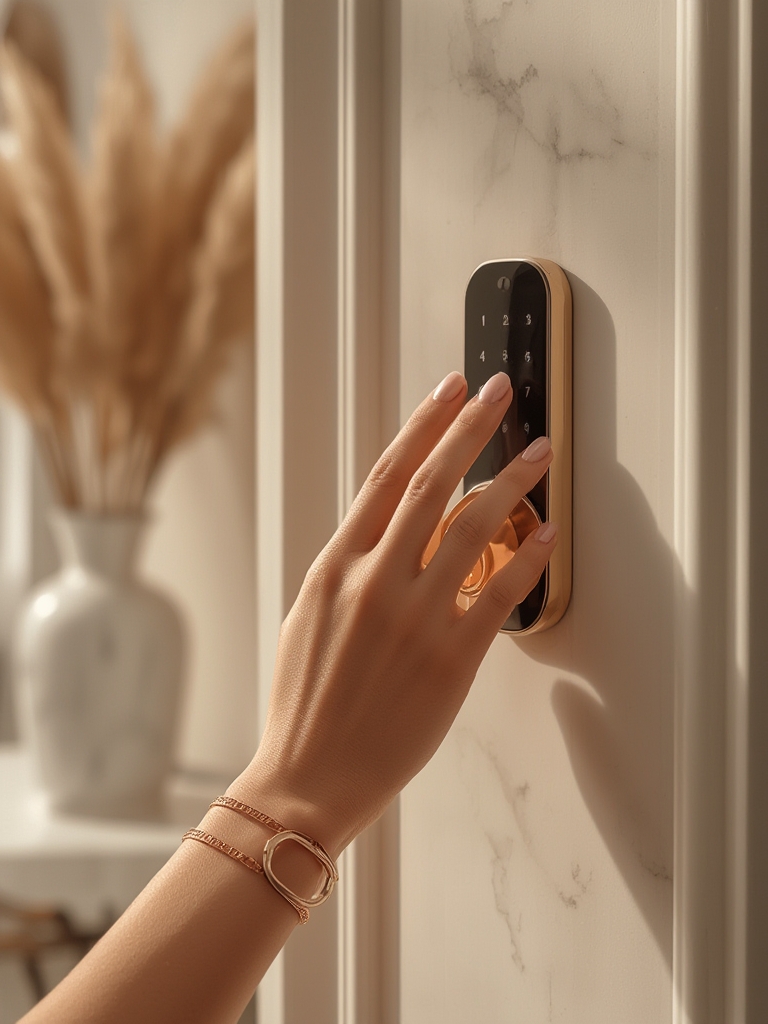
For smart locks, look for no-drill options that can be installed over your current deadbolt—so you don’t need to change or rekey anything. For cameras and doorbells, use removable adhesives or clamp brackets. Never drill into doors, windows, or exterior siding.
5. Set Up Alerts and Guest Access
Set up real-time phone alerts for any motion, and configure temporary access for friends or deliveries. Be sure to test systems for reliability—32% of renters worry about tech failures, and one in four have experienced lockouts or alerts that did not work as expected (source).
6. Test Backup and Emergency Access
Smart locks can fail due to WiFi problems or depleted batteries. Always choose models that allow you to revert to your original key. Store emergency backup keys securely outside your apartment (never with the device).
7. Review and Update Device Permissions Regularly
Continuously review who has access to your devices—remove old guests, former roommates, or ex-partners from any access lists. This is essential for safety and privacy compliance.
8. Stay Informed on Laws and Landlord Policies
Privacy legislation is evolving quickly. For example, California’s CCPA requires user consent for in-unit monitoring and careful management of resident data. If you’re in a different state, check your city and state tenants’ rights regularly (see SafeHome’s industry resources).
Want maximum peace of mind? Consider a portable, subscription-free monitored security camera system or a renter-focused smart access system (more insights here) that offers push notifications and in-app privacy controls.
Advanced Analysis & Common Pitfalls for Apartment Renters
Despite the promise of smarter safety, renters face unique hurdles that most “top 10 gadgets” lists ignore. Here are the most frequent and damaging pitfalls—plus a real comparison of what renters encounter in the wild.
Top 5 Pitfalls for Apartment Smart Security
- Privacy Fears: 35% of renters worry about unauthorized monitoring by device makers, landlords, or hackers. Only 9% trust the tech fully (source).
- Lease Violations: Permanent installations can cost you your deposit or even your lease if property management inspects your unit mid-rental. Always use “no drill” equipment.
- Tech Reliability: 32% are anxious about smart locks and 31% fear alarm failures during emergencies; another 26% have been locked out due to app or WiFi issues.
- Legal Grey Zones: Data privacy laws like CCPA in California require strict controls for smart cameras. Other states are following—but most leases lack clear clauses (source).
- Device Choice Overload: Most “top” reviews ignore how few major brands actually offer true renter-friendly options, transparent costs, or easy removal for move-out.
| Device Type | No-Drill / Portable | Monthly Cost (avg) | Contract Required? | Key Privacy Feature |
|---|---|---|---|---|
| Ring Peephole Cam | Yes | $3–$10 (subscription optional) | No (Cloud/Analysis extra) | Encrypts footage; local storage possible with add-ons |
| Arlo Essential Cam | Yes | $3–$12 | No, but advanced features need app | User-controlled cloud, two-factor signin |
| Yale Assure Lock SL (Keypad) | Yes (adapts over deadbolt) | $0–$5 (cloud or remote upgrade optional) | No | Lock/unlock history, no landlord access |
| Wyze Cam (Battery) | Yes | $0–$4 | No, paid cloud for storage | Local SD card option |
| SimpliSafe Mini System | Yes (sensors stick on) | $18–$28 (monitoring subscription) | Optional (month-to-month) | User-only access, flexible privacy modes |
These are some of the only widely-available systems truly fit for renters, allowing for complete DIY setup and removal without trace (more data). If you want a step-by-step evaluation of different brands—including smart lock compatibility—see Smart Locks for Renters: 7 Best Ways.
What about legal risks? Most leases don’t specify “smart” devices, but any change to doors, wiring, or external walls is usually forbidden without permission. And landlord access is a frequent privacy worry—18% of renters are concerned managers could view footage if access is not tightly controlled.

Conclusion
Smart home security for apartments is now essential for peace of mind and tenant satisfaction. Renters should always choose wireless, non-permanent devices with strong privacy features, read their leases carefully, and test their systems for reliability before relying on them. Brands like Ring, Arlo, Wyze, Yale, and SimpliSafe offer cost-effective, true renter solutions—and demand is only rising.
Ready to transform your rental’s safety? Explore proven apartment-friendly setups or compare the top smart locks for renters to upgrade your home security without risking your deposit or breaking your lease.
Frequently Asked Questions
Do I need landlord permission to install smart home security for apartments?
In most cases, yes. Almost all leases forbid permanent changes, and some even restrict “removable” devices if placed in shared hallways. Always ask for approval in writing and keep the setup removable. See your exact lease and local laws for details.
Are there truly “no-drill” security systems for apartments?
Yes. Leading brands offer wireless cameras, battery doorbells, and deadbolt-adapting smart locks that need zero drilling. Always pick products labeled as “renter-friendly” and removable.
How much does apartment smart security cost each month?
Expect to pay $3–$15/month for single device cloud storage, or $18–$30/month for self-monitored sets. Most renters spend roughly $50/month in total for several devices.
Will smart cameras or smart locks invade my privacy?
About 35% of apartment renters are worried about this. Choose devices with physical privacy shutters, strong smartphone controls, and transparent privacy policies. Limit remote access and regularly review permissions to stay safe.
Do smart home security systems help me get my deposit back?
If installed using removable mounts, adhesives, or over-the-lock systems (not drilled in), you should have no deposit issues. Avoid hardwired or permanent modifications. For details, check this guide to deposit-safe smart home gadgets.